Unified communications for small business
Phones, texts, chat, video and fax in one app, on one number and one bill. We set it up and stay your support.
The short answer
What is unified communications (UC)?
Unified communications (UC) puts business calling, texting, team chat, video meetings and fax on one platform, with one login and one business number. A conversation can start as a chat, turn into a call and end as a video meeting without anyone switching apps. Meretech installs and supports it for offices in Miami-Dade, Broward and Palm Beach, month to month.
Product demos
See unified communications in action
The desktop app
Calls, video, chat and texting in one window.
The mobile app
Your business number on your cell phone.
Inside Microsoft Teams
Your phone system and contact center in Teams.
The problem
When every conversation lives in a different app
Calls are on the phone system, chat is in one app, meetings are in another and nobody remembers which link to send.
You pay four vendors and none of them knows the others exist.
A customer texts a staff member’s personal cell, and the conversation leaves with them.
Someone asks what was decided on last week’s call and the only record is a sticky note.
A new hire needs five logins before they can talk to a customer.
How we set it up
What’s on the platform
One per-user plan, one app on the desktop and phone, one bill.
Business voice
More than 100 calling features, unlimited calling in the US and calls to 33 countries, with an auto attendant, advanced hunt groups and call queues.
Business phone systemsBusiness texting
500 texts per user each month from your business number, in the same app as your calls.
Team chat
One-on-one and group chat for your staff, with an AI assistant built in.
Video meetings
HD meetings for up to 100 people with screen sharing, recording and an AI recap of what was said and decided.
Fax and file sharing
Send and receive faxes from the app, and share files with 50 GB of storage per user.
AI receptionist and call recap
The AI receptionist answers when nobody can, and AI call recap writes up recorded calls with a summary, transcript and action items.
How the AI receptionist worksRecords and dashboards
30 days of archived calls, texts and chats, with options up to 10 years, plus real-time dashboards on call activity.
The apps you already use
Integrations with Microsoft 365 and Teams, Google Workspace, Salesforce, HubSpot, Zendesk and ServiceNow.
Contact center when you need it
An add-on for teams that spend the day on calls, chats and texts, on the same platform.
Contact center
See it live
Book a 30-minute demo
Pick a day and a time that works. We confirm by phone or email, then walk you through the desk phone, the mobile app and the AI receptionist on your own call flow.
Rather talk now? Call (305) 390-2787.
Before you switch
What changes when it’s all on one platform
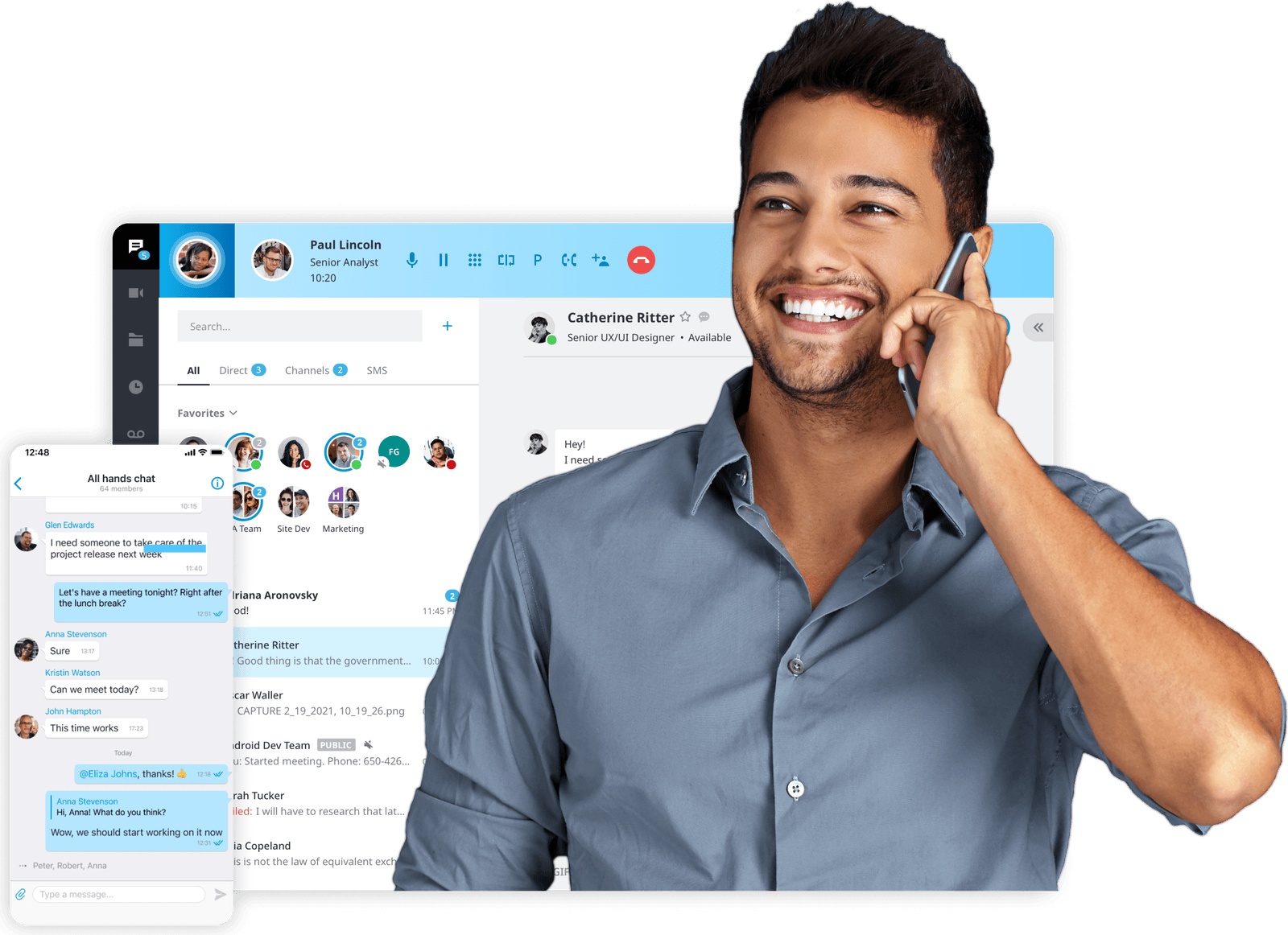
One number, wherever your people are
With separate tools, the business number lives on the desk phone and everything else lives on somebody’s cell. With UC, every person has one extension that rings on the desk phone, the desktop app and the mobile app at once. Customers always see the business number, whether your staff call from the front desk, from home or from a job site.
That matters in South Florida, where a storm can close the office for days. The system runs in the cloud, so calls, texts and chats keep coming in on the mobile app even when the office has no power. We set up those rules when we install it, not when the cone is on the news.
Fewer vendors, fewer passwords
Most offices we visit pay one company for phones, another for video, another for chat and still keep a fax line. Each has its own bill, its own login and its own support number. When something breaks, you’re the one figuring out whose problem it is.
On one platform, adding a new hire means one account. Removing someone who left means one account, and their texts and chats stay with the business. You get one itemized bill and one local team to call, as often as you need.
A record of what was said
Calls, texts and chats are archived for 30 days, and archiving can be extended up to 10 years for offices that need longer records. Meetings can be recorded with an AI recap, and recorded calls can get a summary, transcript and action items.
So when someone asks what the customer agreed to, or what was decided in last Tuesday’s meeting, you look it up instead of asking around. The platform runs with 99.999% uptime, and we set user permissions so only the right people see recordings.
Side by side
One platform or separate apps?
| Compared | Meretech unified communications | Separate phone, chat and video tools |
|---|---|---|
| Apps for your staff | One app on desktop and mobile, plus the desk phone | A phone system, a chat app, a video app and a fax service |
| Business number | Calls and texts go out on the business number from any device | Often the desk phone only; texts come from personal cells |
| Bills and logins | One itemized bill, one login per person | A bill and a login for each tool |
| Records | Calls, texts and chats archived together, 30 days to 10 years | Spread across tools, each with its own rules |
| Adding or removing a person | One account | One account in each tool |
| Support | Unlimited, from the local team that set it up | A separate support line for each vendor |
Switching
What switching to Meretech looks like
- Day one
A 15-minute call
How many people, which numbers, what you pay now. Have your current bill handy.
- Before you sign
An itemized proposal
Every line, fee and tax estimate on paper before you sign anything.
- While numbers port
Your onboarding specialist
One person runs your move: the porting form, extensions, ring groups, hours and greetings.
- Go-live day
We switch you over
Your numbers ring on the new system. We train your team and stay on call.
Related pages
Questions about unified communications
What’s the difference between UC and a VoIP phone system?
A VoIP phone system handles calls over the internet. Unified communications includes those calls and adds business texting, team chat, video meetings, fax and file sharing in the same app, on the same business number.
Does it work with Microsoft Teams?
Yes. The platform integrates with Microsoft 365 and Teams, and with Google Workspace, Salesforce, HubSpot, Zendesk and ServiceNow. Tell us what your office uses and we confirm how it connects before you sign.
Do we still need desk phones?
Not everyone does. People who move around often run everything from the desktop and mobile apps. A front desk or reception area usually keeps a desk phone, and we include a Yealink desk phone on our current promotion.
Can we keep our phone numbers?
Yes. Local and toll-free numbers move (port) to the new platform. We file the request, and your old service keeps working until the transfer completes.
Is there a long contract?
No. Service is month to month and priced per user, so you add or remove people as your team changes. Every charge is on your itemized proposal before you sign.
Put your calls, chat and meetings in one place
Tell us how many people you have and which tools you pay for now. We send an itemized proposal, then call to walk you through it.
Rather talk to sales?(305) 390-2787Build your plan