Business phone systems for offices that can’t miss a call
Your number rings on desk phones, cell phones and laptops. We move your numbers, install the phones and stay your support.
- Month to month
- Installed on site
- Dedicated support team
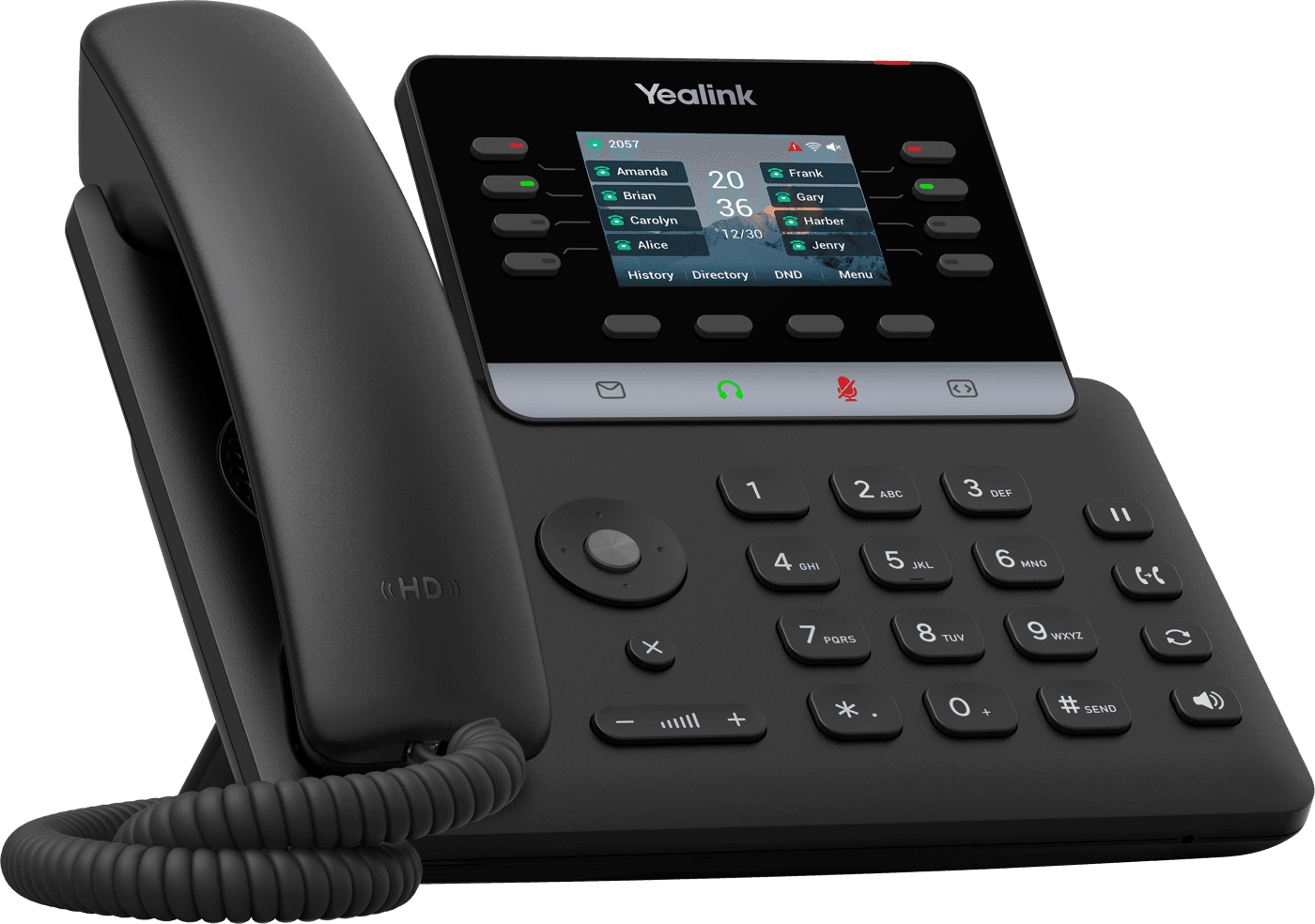
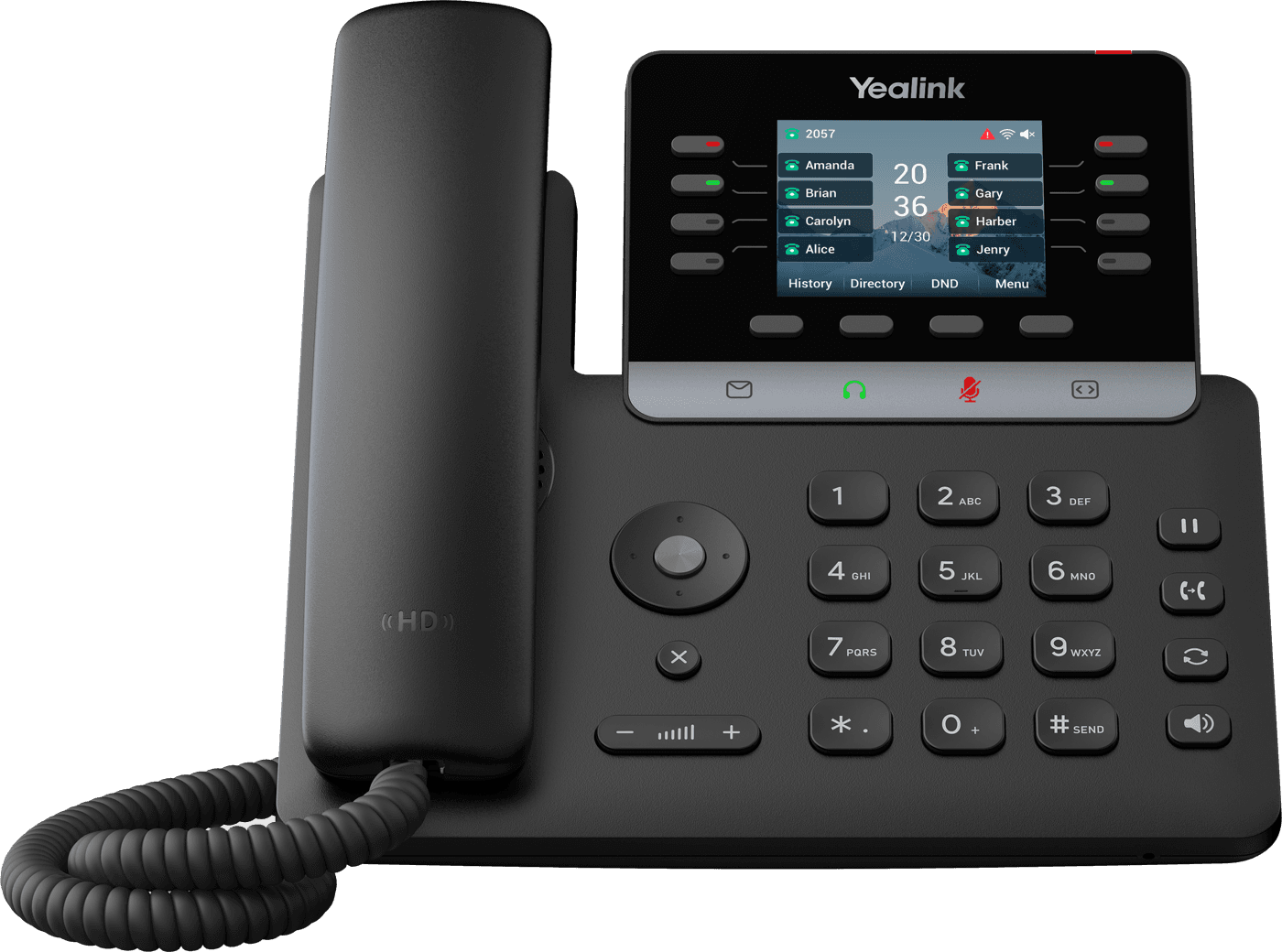
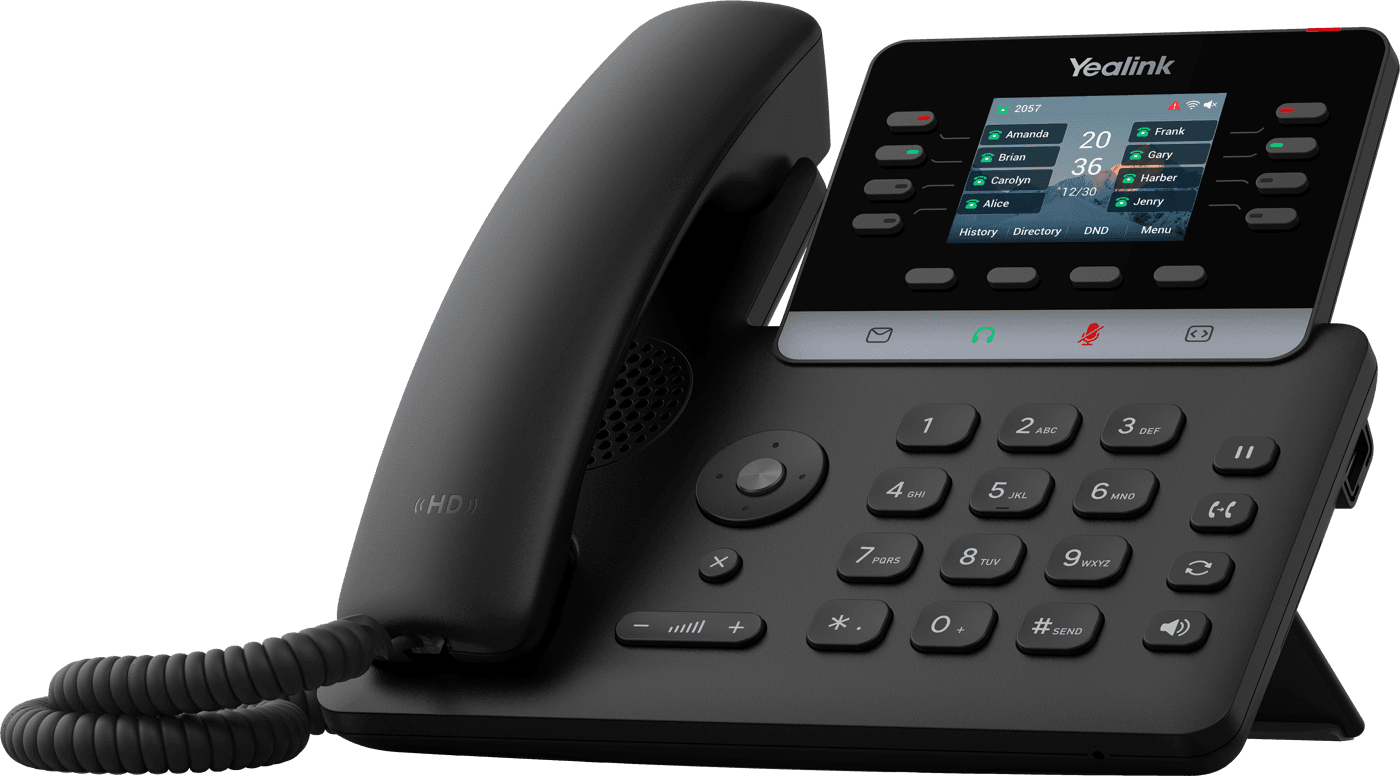
Rings your desk phone, cell and laptop at once
- UnlimitedUS calling, plus 33 countries
- 5 devicesper user, on one extension
- 500 textsper user, every month
- 99.999%platform uptime
The short answer
How does a cloud business phone system work?
Each phone and app signs in to a phone system that runs in the cloud instead of a box in your office. Rules you control decide who rings: the auto attendant, ring groups and call queues. The same extension works at the desk, in the mobile app and on a laptop. Meretech installs and supports it for offices in Miami-Dade, Broward and Palm Beach, month to month with no annual contract.
Why offices switch
Stop sending customers to voicemail
Most offices don’t need more phones. They need calls to reach a person. Here’s what changes.
Calls ring at one desk, then go to voicemail.
Ring groups and queues send each call to the next free person.
Staff hand out their personal cell numbers.
The mobile app calls and texts from the business number.
Nobody picks up at lunch or after hours.
An AI receptionist answers, helps and transfers the caller. AI receptionist →
A carrier bill nobody can explain.
One per-user plan, month to month, itemized line by line.
Support is a national queue.
A dedicated support team, from onboarding on, that knows your setup.
Product demos
See Meretech Cloud in action
Short walkthroughs of the apps your team uses every day: at the desk, on the cell phone and on the laptop.
The desktop app
Calls, video, chat and texting in one window.
The mobile app
Your business number on your cell phone.
Desk phone plus the app
Click to dial, transfer and park from your screen.
The hardware
The right device for every spot in the office
We recommend the right phone for each person and room, set it up before go-live, and install it on site.
- Every deskIncluded
Yealink T73W
Color screen, HD audio and built-in Wi-Fi. Included on our current promotion.
- The front desk
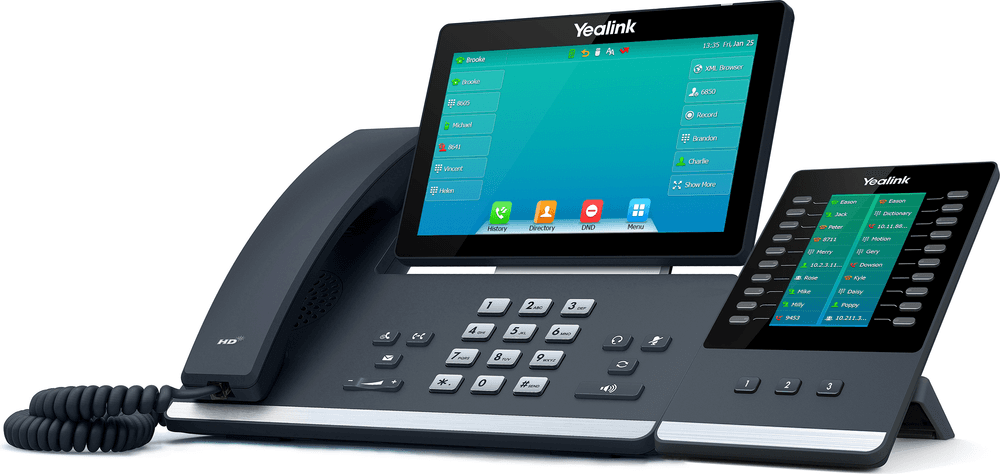
Yealink T57W + sidecar
A large touchscreen plus a key panel that shows who is free, so reception transfers in one tap.
- On the move
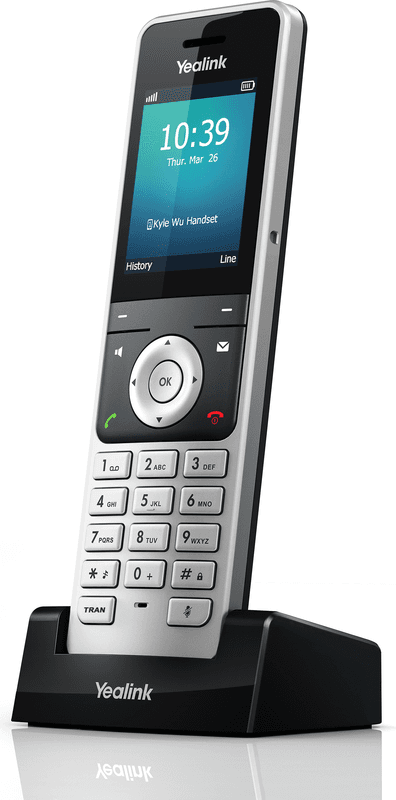
Yealink W56H
A cordless handset for the back office, warehouse or treatment rooms. Same extension, no desk needed.
- The conference room
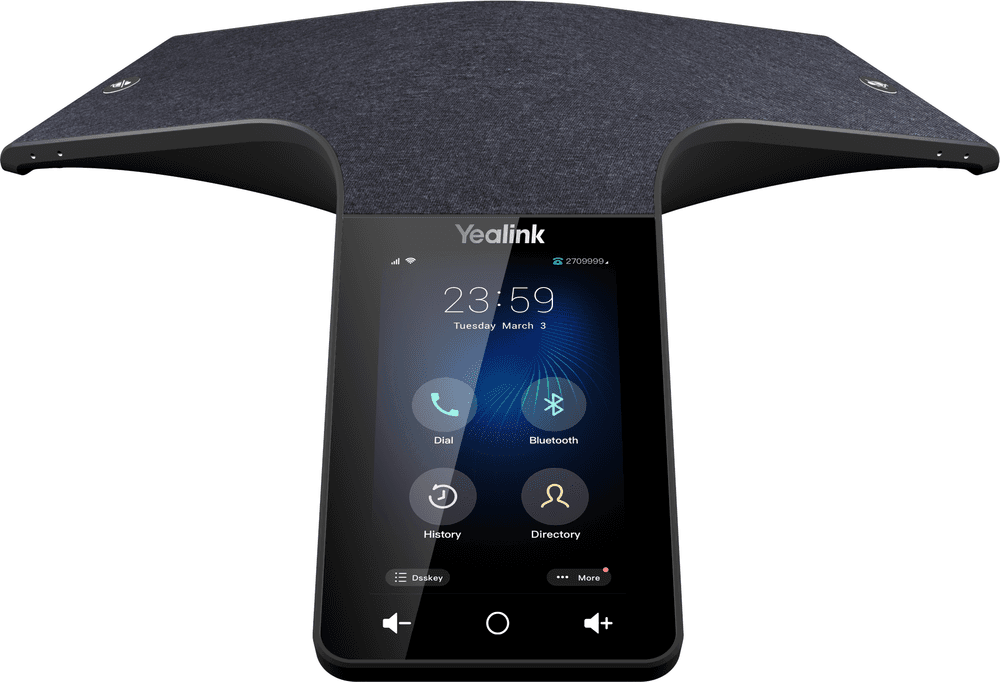
Yealink CP965
A touchscreen conference phone that picks up the whole room for calls and meetings.
- Your fax machine
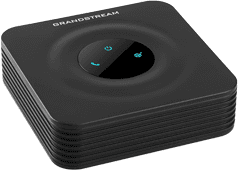
Grandstream HT801
A small adapter that keeps your existing fax machine working on the new system. Or fax from the app instead.
One plan
What’s included in Meretech Cloud
Everything below is part of one per-user plan, on one bill.
Calling
Unlimited local and long-distance calling in the US, plus calls to 33 countries.
Auto attendant and call routing
“Press 1 for scheduling.” Ring groups, call queues, business hours and holiday rules that you can change from the app.
Desk phone, cell and laptop
Up to five devices per user. Customers always see the business number, never a personal one.
AI receptionist
Answers when nobody can, answers common questions and transfers to the right person. How the AI receptionist works →
Business texting
500 texts per user each month from your business number, in the same app as your calls.
Video meetings
HD meetings for up to 100 people with screen sharing, recording and AI meeting notes.
Fax and file sharing
Send faxes from the app, or keep your fax machine with an adapter. 50 GB of file storage per user.
Spam call protection
Tag, block or send suspected spam callers straight to voicemail, so your team only picks up real customers.
A dedicated support team
From onboarding on, your account has its own Meretech support team that knows your setup. Unlimited support, no tickets to a national queue.
Records
Call recording and 30 days of archived calls, texts and chats, with longer retention available.
Switching
Switching starts with one call
A dedicated onboarding specialist moves you over: your numbers, phones, menus and training. Your old service keeps working until the new one takes over. How switching works
- Day one
A 15-minute call
How many people, which numbers, what you pay now. Have your current bill handy.
- Before you sign
An itemized proposal
Every line, fee and tax estimate on paper before you sign anything.
- While numbers port
Your onboarding specialist
One person runs your move: the porting form, extensions, ring groups, hours and greetings.
- Go-live day
We switch you over
Your numbers ring on the new system. We train your team and stay on call.
500+
businesses trust Meretech for cloud communications and cabling.
See it live
Book a 30-minute demo
Pick a day and a time that works. We confirm by phone or email, then walk you through the desk phone, the mobile app and the AI receptionist on your own call flow.
Rather talk now? Call (305) 390-2787.
Side by side
Cloud phone system or a traditional phone line?
| Compared | Meretech cloud system | Traditional landline or on-site PBX |
|---|---|---|
| Where it runs | In the cloud; nothing to maintain on site | Copper lines and a phone box in your office |
| Who can answer | Desk phones, cell phones and laptops on one number | Only the phones plugged in at the office |
| Changing menus or hours | From the app, in minutes | Usually a technician visit |
| Texting and video | Included | Separate services |
| Moving offices | Plug the phones in at the new address | New lines, new install |
| Cost | Per user, month to month, itemized | Line charges plus maintenance |
Business phone system questions
What is a VoIP phone system?
It’s a phone system that runs your calls over the internet to a system hosted in the cloud, so there’s no phone box in a closet to maintain. Desk phones, laptops and cell phones all ring as one system, on your business number.
How do I choose a business phone system?
Check six things: whether you can keep your numbers, the full monthly cost including phones, texting and fax, the contract length, who supports you and where they are, the features you actually use, and what happens to calls when the office internet goes down. We put all six in writing on every proposal.
Can I keep my existing business numbers?
Yes. Local and toll-free numbers can move (port) to Meretech. We file the request, and your old service keeps working until the transfer completes.
What happens to calls if the internet goes down?
The desk phones need internet, but your calls don’t have to stop. Calls can ring on your team’s cell phones through the mobile app or forward to any number you choose. We set those rules up when we install the system.
Can I add or remove users later?
Yes. Service is month to month and priced per user, so you add or remove people as your team changes. If you cancel early, you pay the remaining share of any desk phone that was included on promotion.
Do we still need desk phones?
Most offices keep at least one for the front desk or reception. People who move around often run everything from the mobile app. A Yealink T73W is included on our current promotion, paid off over 12 months, and spelled out on your proposal.
Will our internet handle it?
Usually yes; each call uses very little bandwidth. Before we quote, we check your connection and network equipment, and if something needs fixing, like an old router or weak Wi-Fi, we tell you before install day.
How do we keep taking calls during a hurricane or outage?
The system runs in the cloud, so if the office loses power or internet, calls can ring through the mobile app on your team’s phones or forward to any number. We set those rules at installation and show your staff how to switch them on.
What platform does Meretech Cloud run on?
Meretech Cloud runs on Elevate, an enterprise cloud communications platform with 99.999% uptime. Meretech sets it up, installs it and supports it, so you have one local team to call for everything.
Are VoIP calls secure?
Yes. Calls, meetings, files and chats are encrypted in transit and at rest, and the platform is ISO 27001 certified and runs in data centers audited to SOC 2 Type 2. Every user has their own login, and we set who can hear call recordings during setup.
Ready when you are.
Book a demo or send us your current bill. We’ll show you what changes, what stays and what it costs, line by line.
Rather talk to sales?(305) 390-2787Build your plan