Real estate office phone systems
The brokerage number rings on agents’ cells at showings, buyers can text it, and it stays with the office when an agent leaves.
The short answer
What phone system works for a real estate office?
One that follows agents out of the office: each agent gets a direct line that rings a desk phone, the mobile app and a laptop, and calls and texts go out from the brokerage number instead of a personal cell. Sign and listing calls can ring the agents on floor duty, and an AI receptionist can answer after hours. Meretech installs it for brokerages and property managers in Miami-Dade, Broward and Palm Beach.
How calls move
How a call moves through your brokerage
Sign calls reach whoever is on floor duty. Everyone else reaches the agent, the property manager or the on-call line.
- Listings and sign callsFloor duty ring groupEvery agent on duty rings at once, first to pick up gets the lead
- An agent by nameAgent’s direct lineRings their cell through the app, shows the brokerage number
- Tenants and ownersProperty managementLeasing, owner and maintenance on separate options
- After hoursAI receptionistAnswers office hours and how showings work, transfers to an agent
The problem
What brokers tell us about their phones
A buyer calls about the sign in the yard, the agent is in a showing, and the call sits in voicemail until tonight.
Agents hand out their personal cells, so when an agent leaves, their contacts leave too.
The front desk can’t tell who’s in the office, so callers get transferred around.
Client texts live on agents’ phones, where nobody else at the office can find them.
Tenants, owners and leasing calls all hit one number, and a maintenance emergency lands in the leasing voicemail.
How we set it up
How we set up the phones for a brokerage
We program these call flows before go-live. You can change them later from the app.
Main line and auto attendant
“Press 1 about a listing, 2 for property management, 3 for an agent by name.” A Spanish option can ring the agents who take calls in Spanish.
Floor duty ring group
Sign and listing calls ring every agent on duty at once, on a cell or a desk phone. Whoever picks up first gets the lead, and you change who’s on duty from the app.
Direct lines that follow the agent
Each agent’s number works on up to five devices. Calls and texts from the app show the brokerage number, not a personal cell.
Texting from the office number
Buyers text the number on the sign, and the conversation stays with the office. 500 texts per user each month, archived with your calls.
AI receptionist after hours
Answers when nobody can, handles questions you’ve written for it, like office hours and how showings work, and transfers the caller to an agent.
How the AI receptionist worksProperty management line
Leasing, owner and maintenance calls on separate options, with after-hours maintenance calls sent to whoever is on call.
Video and CRM
Video meetings for up to 100 people for buyers who can’t fly in, and integrations with HubSpot and Salesforce if your team runs on one.
Product demos
See how your team would use it
The mobile app
Your business number on your cell phone.
The desktop app
Calls, video, chat and texting in one window.
Before you switch
What Miami brokers ask before switching
Can agents keep working from their cell phones?
Yes, and most will. An agent showing a condo in Brickell at 11 and a house in Coral Gables at 1 isn’t near a desk phone all day. The mobile app puts the agent’s extension on their cell, so the same call rings the app, the laptop and a desk phone if they have one.
When the agent calls or texts a client back from the app, the client sees the brokerage number. That matters most when an agent leaves. The number on the sign, the website and the business cards belongs to the office, so you remove the agent in one place and the next agent picks up the same callers.
Agents who want a desk phone at the office still get one, on the same extension as their app.
What about buyers calling from overseas?
South Florida brokerages get calls from buyers who live abroad, at hours that suit the buyer. Meretech Cloud includes calls to 33 countries on top of unlimited US calling, so an agent can return the call from the app without checking their cell plan first.
Plenty of local callers would rather speak Spanish, too. The auto attendant can offer a Spanish option, with a greeting your office records, that rings the agents who handle those calls. For a buyer who can’t fly in, a video meeting works for walking through documents or a property on screen.
When your team changes, you move an agent in or out of the Spanish ring group from the app, without waiting on a technician.
How do we keep taking calls in hurricane season?
When a storm closes the office, the phones keep working, because the system runs in the cloud and not in your back room. Calls ring on agents’ cells through the app, or forward to any number you choose. The number on your signs and listings keeps working the whole time, so a buyer who calls the week after a storm still reaches an agent.
For property managers, the days after a storm are the busiest of the year: roof leaks, power, building access. We set an after-hours rule that sends maintenance calls to the on-call manager and keeps owner calls on their own option. We set these rules during installation and show your team how to switch them on before June, not the day before landfall.
Side by side
Office number or personal cells?
| Compared | Brokerage phone system | Agents on personal cells |
|---|---|---|
| The number on the sign | Belongs to the office | Belongs to whoever answered |
| When an agent leaves | Remove them in one place; the number stays | Their contacts leave with them |
| Texts with clients | From the office number, archived with your calls | On a personal phone |
| Missed sign calls | Ring the next agent on duty or the AI receptionist | Voicemail |
| Calls to buyers abroad | Calls to 33 countries included | Depends on each agent’s plan |
Switching
What switching to Meretech looks like
- Day one
A 15-minute call
How many people, which numbers, what you pay now. Have your current bill handy.
- Before you sign
An itemized proposal
Every line, fee and tax estimate on paper before you sign anything.
- While numbers port
Your onboarding specialist
One person runs your move: the porting form, extensions, ring groups, hours and greetings.
- Go-live day
We switch you over
Your numbers ring on the new system. We train your team and stay on call.
Related pages
Questions brokers ask
Can a new agent take over the number of an agent who left?
Yes. Direct numbers belong to the brokerage account, not the agent, so you reassign the number to the new agent from the admin portal. Past clients who saved that number reach the new agent.
Do agents need a desk phone?
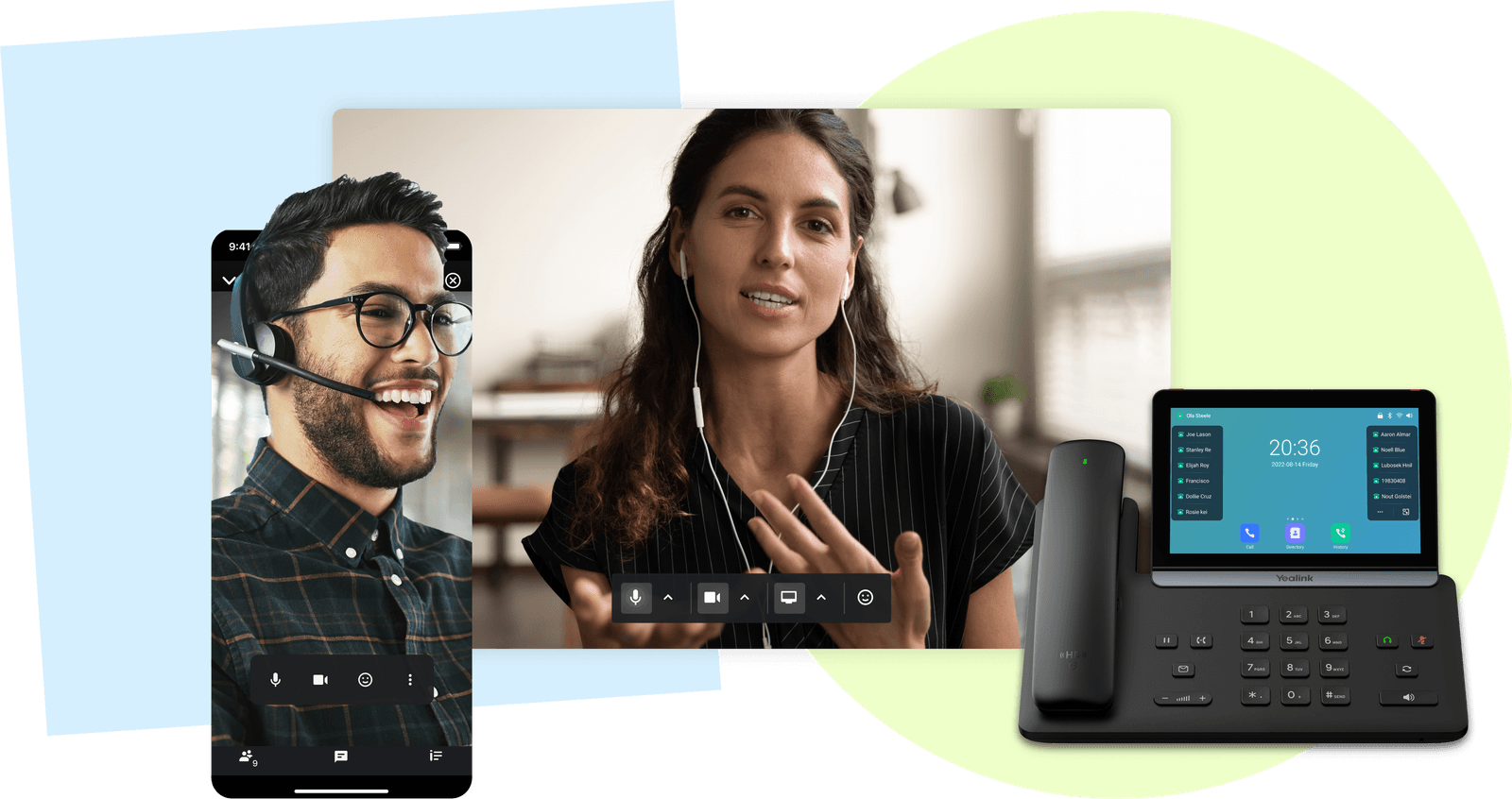
Not always. Agents who work from showings can run everything from the mobile app, and each user can have up to five devices. Most brokerages keep a Yealink T73W at the front desk and on the broker’s desk, and it’s included on our current promotion.
Can buyers text the number on our yard signs?
Yes. Your business number takes texts and pictures, and agents reply from the same number in the app. Each user gets 500 texts a month.
Does it work with our CRM?
Integrations are available for HubSpot and Salesforce. If your brokerage runs a real estate CRM, tell us which one and we check whether it connects before you sign.
Can we keep the office number on our signs and listings?
Yes. Local and toll-free numbers move (port) to Meretech, and your current service keeps working until the transfer completes. The number on your signs, website and listing portals never changes.
What does a real estate phone system cost?
Meretech Cloud is priced per user, month to month, so you pay for the agents and staff on the system and nobody else. Taxes and fees are listed on your itemized proposal. Ask whether the AI receptionist is included in your plan; it’s on the proposal either way. Build your plan to get your proposal.
Price out your brokerage’s phones
Tell us how many agents and staff need a line. You get an itemized plan with every fee on it.
Rather talk to sales?(305) 390-2787Build your plan