Phone systems for contractors and trades
The office number rings your cell and the dispatcher at once. Customers text the business, not your techs.
The short answer
What phone system works for a contractor or home service business?
One that rings where the work is: a cloud phone system puts the office number on crew members’ cell phones, the dispatcher’s desk phone and a laptop at the same time, and customers call and text one business number. After-hours calls go to the on-call tech, and an AI receptionist can answer common questions when nobody can pick up. Meretech installs it for contractors, trades and home service companies in Miami-Dade, Broward and Palm Beach.
How calls move
How a call moves when you’re on a job
The office number rings wherever your people are. Service calls wait for dispatch, and emergencies after hours reach whoever is on call.
- Service calls, business hoursDispatch queueWaits for the dispatcher instead of rolling to voicemail
- Photos of the problemTexts on the business numberThe tech replies from the app
- Emergencies after hoursOn-call techChange who’s on call from the app
- Everyone is on a jobAI receptionistAnswers service area and hours, transfers to the office or on-call phone
The problem
Sound familiar?
I’m up a ladder when a new customer calls. By the time I call back, they’ve booked someone else.
Customers have my techs’ personal numbers and call them directly to skip the office.
A tech quits, and his phone leaves with every customer he ever texted.
The office manager spends half the day writing messages and calling crews to pass them on.
After a storm, every line rings at once and half the calls go to voicemail.
AC calls at 10 p.m. in August go to the owner’s cell, every night.
How we set it up
Call flows we set up for contractors and trades
Same phone system as any office, programmed around crews who are never at a desk.
The office number on every phone
Calls to the main number ring the office and the crew leads’ cells through the app. Whoever is free answers. Up to five devices per person.
Dispatch queue
During business hours, service calls wait in a queue for the dispatcher or office manager instead of rolling to voicemail.
On-call after hours
After hours, emergency calls ring the on-call tech. Change who’s on call from the app when the rotation changes.
Texts and photos on the business number
Customers send a photo of the leak or the breaker panel, and the tech replies from the app. 500 texts per user each month.
AI receptionist for job requests
Answers when everyone is on a job, answers questions you’ve written for it like service area and hours, and transfers the caller to the office or the on-call phone.
How the AI receptionist worksShop and site-trailer phones
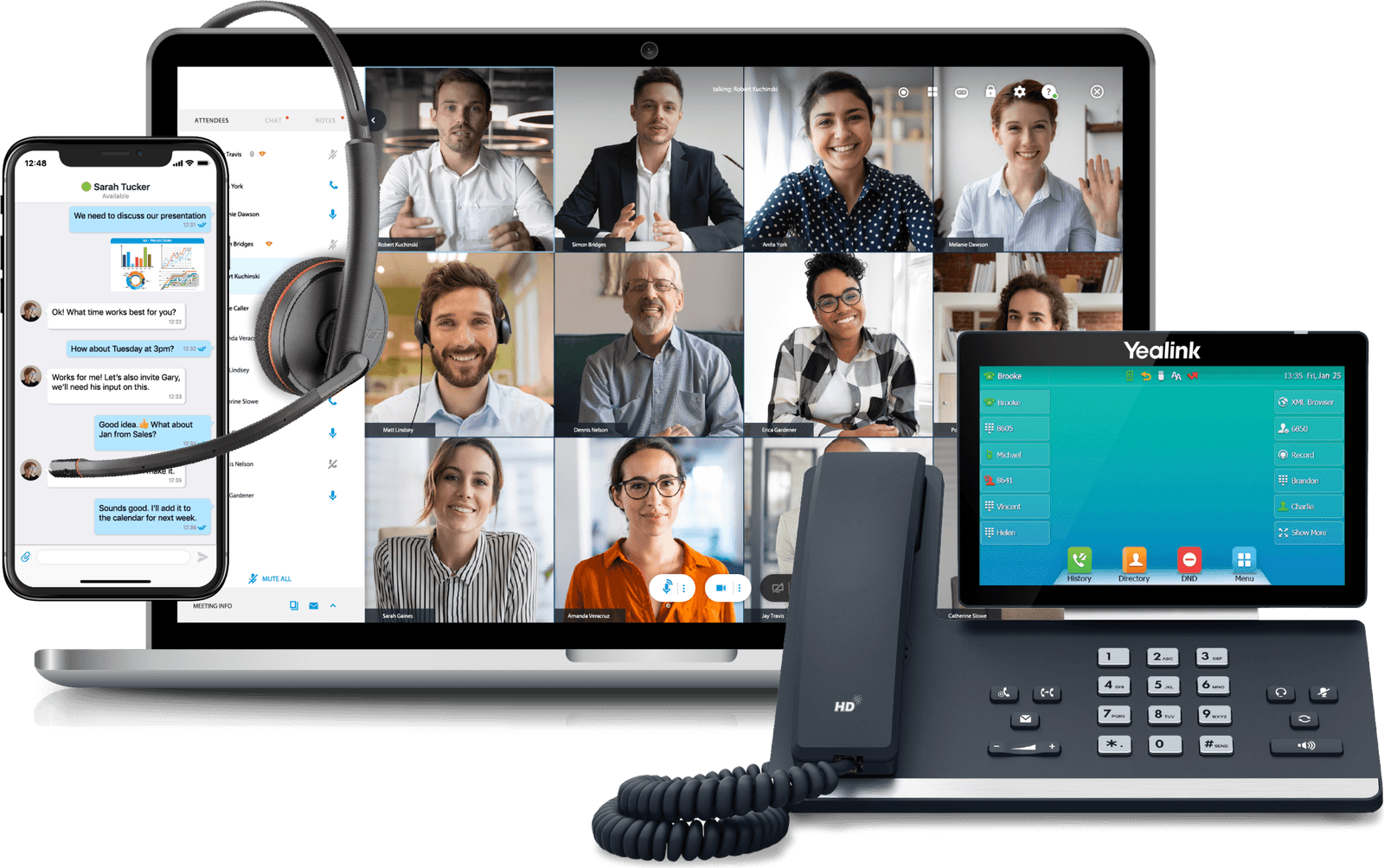
The Yealink T73W has built-in Wi-Fi, so it works in a site trailer or a warehouse office wherever there’s a connection. We also wire new shops and offices.
Structured cabling
Product demos
See how your team would use it
The mobile app
Your business number on your cell phone.
Desk phone plus the app
Click to dial, transfer and park from your screen.
Before you switch
What contractors ask us
Can my techs use their own cell phones?
Yes. Each tech installs the app on the phone they already carry and signs in with their own login. Calls and texts they send from the app show the business number, so customers save the company number and the tech’s personal number stays private.
When someone leaves, you remove their login in one place. The business number stays with the company, and customers keep calling it instead of a phone that just drove off.
The new hire signs in and picks up the same calls. If you’d rather hand out company phones, the app works the same way on those, and the person running dispatch can still have a desk phone in the office.
What happens to the phones after a hurricane?
For roofers, tree services, restoration crews and electricians, the days after a storm are the busiest of the year, and the shop may have no power. The phone system runs in the cloud, so the main number keeps ringing on cell phones through the app, or forwards to any number you choose.
Call queues help when everyone calls at once. Instead of a busy signal or a full voicemail box, callers wait for the next free person.
After hours, or when nobody can pick up, the AI receptionist answers common questions and sends the rest to the on-call tech or a voicemail that arrives as text. We set these rules during installation, so turning them on takes a tap, not a service call.
How many users do I actually pay for?
A user is a person, not a device, and each user can have up to five: a desk phone, the cell app and a laptop. A shop with a dispatcher and four crew leads pays for five users. Helpers who never take customer calls don’t need a line.
The office desk phone, a Yealink T73W, is included on our current promotion and paid off over 12 months, which we spell out on the proposal. Service is month to month, so you can add a user in May when you staff up for AC season and drop them in November. Extra office help for the busy months gets the same setup on day one.
Switching
What switching to Meretech looks like
- Day one
A 15-minute call
How many people, which numbers, what you pay now. Have your current bill handy.
- Before you sign
An itemized proposal
Every line, fee and tax estimate on paper before you sign anything.
- While numbers port
Your onboarding specialist
One person runs your move: the porting form, extensions, ring groups, hours and greetings.
- Go-live day
We switch you over
Your numbers ring on the new system. We train your team and stay on call.
Related pages
Questions contractors ask
Can customers send photos by text?
Yes. The business number takes texts and pictures, so a customer can send a photo of the leak, the panel or the model plate on the AC unit. Each user gets 500 texts and picture messages a month.
Can after-hours calls go to a different tech each week?
Yes. After-hours calls follow a rule you control, and you change who’s on call from the app. We set the rule up during installation and show you how to change it.
Will it work with my scheduling or field service software?
Integrations are available for HubSpot and Salesforce. If you run a field service or scheduling app, tell us which one and we check whether it connects before you sign.
Can I keep the number on my trucks?
Yes. Your number moves (ports) to Meretech, so the number on your trucks, yard signs and Google profile keeps working. Your current service stays on until the transfer completes.
Do you install phones and wiring in a new shop or office?
Yes. We install phones on site in Miami-Dade, Broward and Palm Beach, and we run structured cabling too: Cat5 and Cat6 runs, drops and patch panels for a new office, shop or warehouse.
Price out phones for your crew
Tell us how many people take customer calls, in the office and in the field. You get an itemized plan with every fee on it.
Rather talk to sales?(305) 390-2787Build your plan