Phone systems for law firms
New clients call once. Intake queues, attorney lines that ring between hearings, and call recording with Florida’s consent announcement.
The short answer
What should a law firm look for in a phone system?
Four things: intake calls that reach a person instead of a full voicemail box, attorney lines that work on a cell but show the firm’s number, call recording set up for Florida’s all-party consent law, and a link to your practice software. Meretech’s phone system integrates with Clio, so calls are logged to the matter. We install it for law firms in Miami-Dade, Broward and Palm Beach.
How calls move
How a call moves through your firm
New clients reach intake before they reach voicemail. Everyone else reaches the right attorney, even between hearings.
- New clientsIntake queueRings intake staff first, then waits in line instead of voicemail
- Current clientsAttorney direct lineRings the desk phone, the cell app and the laptop
- Records and carrier lettersFax in the appLands with the paralegal on the file
- After hoursAI receptionistAnswers approved questions, transfers to intake or the attorney on call
The problem
Where law firm calls go wrong
Someone calls at 8 p.m. after a crash on I-95, gets voicemail, and signs with whoever answered.
Clients have the attorney’s personal cell and use it on Sunday.
The receptionist can’t tell whether an attorney is in a deposition or at their desk.
Nobody logs calls to the matter, so phone time disappears from the file.
Records offices and insurance carriers still fax, and the machine is down the hall.
A caller who wants Spanish gets transferred twice before reaching someone who speaks it.
How we set it up
How we set up the phones for a law firm
Your firm sets the policies. We program the system to follow them before go-live.
Intake line with a queue
New-client calls get their own number or menu option and ring your intake staff first. If they’re busy, the call waits in a queue instead of hitting voicemail.
AI receptionist after hours
Answers after hours and during busy stretches, answers questions you’ve approved like practice areas and location, and transfers the caller to intake or the attorney on call. It doesn’t give legal advice.
How the AI receptionist worksAttorney direct lines
Each attorney’s number rings the desk phone, the cell app and the laptop. Calls back from the app show the firm’s number.
Clio integration
Calls are logged to the matter in Clio, so the call record sits with the case file instead of on a message pad.
Call recording with consent
Recording on the lines you choose, with an announcement at the start. 30 days of archived calls, texts and chats included, with retention up to 10 years available.
Fax in the app
Records requests and carrier letters arrive in the app for the paralegal on the file.
Microsoft Teams calling
If the firm runs on Microsoft 365, attorneys can make and take calls on the firm number inside Teams.
Product demos
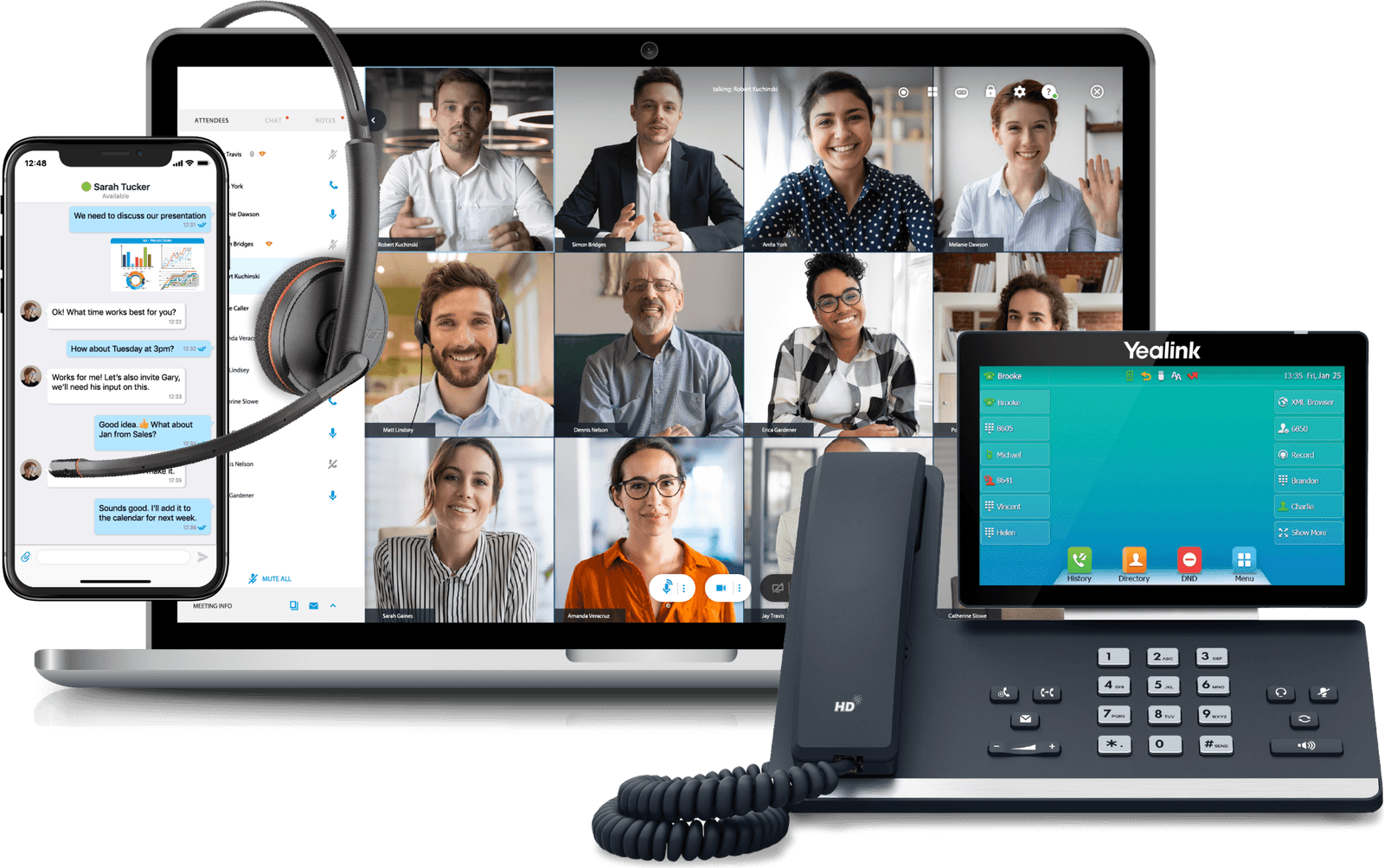
See how your team would use it
The desktop app
Calls, video, chat and texting in one window.
The mobile app
Your business number on your cell phone.
Before you switch
What firms ask before switching
Recording calls under Florida law
Florida is an all-party consent state. Under section 934.03 of the Florida Statutes, recording a private phone conversation generally requires the consent of everyone on the call, which is why firms that record play an announcement at the start. The rule is the same whether the call happens on a desk phone, a cell or a laptop.
We set up that announcement when we turn recording on, and you decide which lines record at all. Some firms record only the main line and intake, and leave attorney lines alone. Recordings stay in the archive for 30 days on the standard plan, with longer retention up to 10 years if your policy calls for it, and you control who can play them back.
Getting intake calls answered
For personal injury, immigration and criminal defense firms, the first call is often the only one. People call after a crash, after a family member is detained or after an arrest, and many call at night or on the weekend. Plenty of them are calling two or three other firms from the same search results.
During the day, intake calls ring your intake team as a group, and the queue holds callers when everyone is busy. After hours, the AI receptionist answers common questions, then transfers to the attorney on call or a voicemail that arrives as text. Callers who prefer Spanish can pick that option in the auto attendant and reach the bilingual staff who handle those calls.
Attorneys on cell phones, without giving out the cell
Attorneys move between the office, the courthouse and depositions. With the app on their cell, the attorney’s direct line rings wherever they are, and returned calls show the firm’s number. Clients stop saving a personal cell, and if you run Clio, the call is logged to the matter.
Texting works the same way. A client texts the firm number, the reply comes from the firm number, and the conversation is archived with your other messages instead of sitting on one attorney’s phone. Video meetings for up to 100 people cover client consults and co-counsel calls without a separate subscription.
Attorneys who live in Microsoft Teams can make and take calls on the firm number there instead of the app.
Side by side
Law firm setup vs. a typical office
| Compared | Set up for a law firm | Typical small-office setup |
|---|---|---|
| Call recording | On for the lines you choose, with a consent announcement | Off, or on everywhere with no announcement |
| New-client calls | Intake queue by day, AI receptionist after hours | General voicemail |
| Attorney callbacks | From the app, showing the firm’s number | From a personal cell |
| Call records | Logged to the matter in Clio | A message pad |
| Fax | In the app for the person on the file | A shared machine down the hall |
Switching
What switching to Meretech looks like
- Day one
A 15-minute call
How many people, which numbers, what you pay now. Have your current bill handy.
- Before you sign
An itemized proposal
Every line, fee and tax estimate on paper before you sign anything.
- While numbers port
Your onboarding specialist
One person runs your move: the porting form, extensions, ring groups, hours and greetings.
- Go-live day
We switch you over
Your numbers ring on the new system. We train your team and stay on call.
Related pages
Questions law firms ask
Does the phone system integrate with Clio?
Yes. Calls are logged to the matter in Clio. Tell us how your firm uses Clio and we go through the setup with you before you sign.
Can we record client calls in Florida?
Florida generally requires the consent of everyone on a call before it’s recorded (Florida Statutes section 934.03). That’s why we set up a recording announcement on any line that records. Your firm decides which lines record; we configure the system to match.
Can the AI receptionist handle intake?
It can take the first step. It answers, listens for what the caller needs, answers questions you’ve approved, and warm-transfers the call to your intake team. It doesn’t collect intake details, give legal advice or accept a case; your intake staff do that.
Can attorneys take calls on their cell without giving out the number?
Yes. Each attorney’s extension works on up to five devices, including the cell phone app and a laptop. Calls and texts they send from the app show the firm’s number.
How long are recordings kept?
30 days of archived calls, texts and chats come with Meretech Cloud. If your retention policy calls for longer, archiving up to 10 years is available and listed on the proposal.
What does a law firm phone system cost?
Meretech Cloud is priced per user, month to month, with no annual contract and a Yealink T73W desk phone included on our current promotion, paid off over 12 months. Fax lines, taxes, fees and any longer archiving are listed line by line on your itemized proposal. Build your plan to get your proposal.
Price out your firm’s phones
Tell us how many attorneys and staff need a line, and whether you run Clio. You get an itemized plan with every fee on it.
Rather talk to sales?(305) 390-2787Build your plan