HIPAA compliant phone systems for practices
For medical, dental and med spa offices. HIPAA compliant, with a BAA available, and configured on install day.
The short answer
Is a cloud phone system HIPAA compliant?
Not by itself. A phone system is appropriate for a HIPAA-covered practice when the provider signs a business associate agreement (BAA) covering the plan you buy, and when it’s set up with encrypted calls, a unique login for each person, limits on who can hear recordings and a retention policy. Meretech configures that for practices in Miami-Dade, Broward and Palm Beach. Ask us for the BAA and security documentation before you sign.
How calls move
How a patient call moves through your practice
The front desk stays with the patient in front of them. Everyone else reaches the right person, and records land where they should.
- Hours, parking, what to bringAnswered by the AI receptionistWarm-transfers anything else to staff
- Scheduling and billingStaff queuesEach rings the people who handle it
- Referrals and recordsFax in the appArrives for the people who should see it
- Texts from patientsThe practice numberReplies in one app, not on personal cells
The problem
What practice managers deal with on the phones
Patients call to confirm an appointment and land in a voicemail box that’s full by Tuesday.
Referrals and records still print on a fax machine in the hallway, where anyone walking by can read them.
Staff text patients from their own cell phones because the office line can’t send a text.
Nobody is sure who can listen to call recordings, or how long they’re kept.
The last vendor’s website said “HIPAA compliant,” but nobody has seen a signed BAA.
How we set it up
What we set up for a healthcare practice
These are decisions we make with your office manager on install day. Nothing is left at the factory default.
Logins and access
Every person gets their own login on every device. Admin controls decide who can play recordings, read texts or change call routing, and a departing employee is removed in one place.
Recording and retention
Call recording and 30 days of archived calls, texts and chats come with the plan. If your policy calls for longer, retention options go up to 10 years.
Fax without the hallway machine
Faxes arrive in the app for the people who should see them, and staff can send from a laptop. An adapter keeps an existing fax machine working.
Patient texting from the practice number
500 texts per user each month from the office number, so staff stop using personal cells. We suggest keeping reminder texts free of diagnoses and results.
AI receptionist for the front desk
Answers when the front desk is on another line, handles questions like hours, parking and what to bring, and warm-transfers to your staff.
How the AI receptionist worksContact center for larger practices
Queues across voice, text, chat and email, automated appointment reminders by text, email or voice, and redaction of patient, personal and card details.
Contact center
Find the page for your kind of practice
Same platform, different front desks. Each page covers the calls that kind of practice actually gets.
Medical practices
Queues for scheduling, refills and referrals, referral fax in the app, and an AI receptionist that hands urgent callers to a person. Includes dermatology, radiology and primary care. Medical office phone systems
OB-GYN and women’s health
A priority option that rings the nurse line for pregnancy concerns, a line for hospitals and referring offices, and reminder texts that leave out the visit type. OB-GYN phone systems
Dental offices
Integrations with Dentrix, Open Dental, Eaglesoft and other dental software, confirmation and recall texts, and call flows for a two- or three-person front desk. Dental office phone systems
Med spas
After-hours booking calls, texting from the spa number, and an AI receptionist that answers pricing and prep questions while your team is with clients. Med spa phone systems
Patient apps
From the first call to payment
Optional apps connect the phones to the EHR or practice management system you already use, with 15+ systems supported. Less retyping and chasing at the front desk.
- Connect
Know who’s calling
Screen pop shows the patient, their household, primary provider, upcoming appointments and recent visits. It’s pulled live and not stored on the phone system.
- Schedule
Book and reschedule
Online booking with live openings on your website and Google, a waitlist that fills cancellations, and recall links with real availability.
- Prepare
Digital intake forms
Patients fill forms before the visit, and the answers sync back to their record.
- Verify
Confirm coverage
Insurance eligibility checks run automatically, so staff see coverage before the patient arrives.
- Follow up
Reminders that think
Confirmations, recalls and review requests by appointment type, and two-way texting from the office number. Patients who already confirmed don’t get another reminder.
- Pay
Easier payments
Convenient payment options and automatic payment follow-up.
Product demos
See how your team would use it
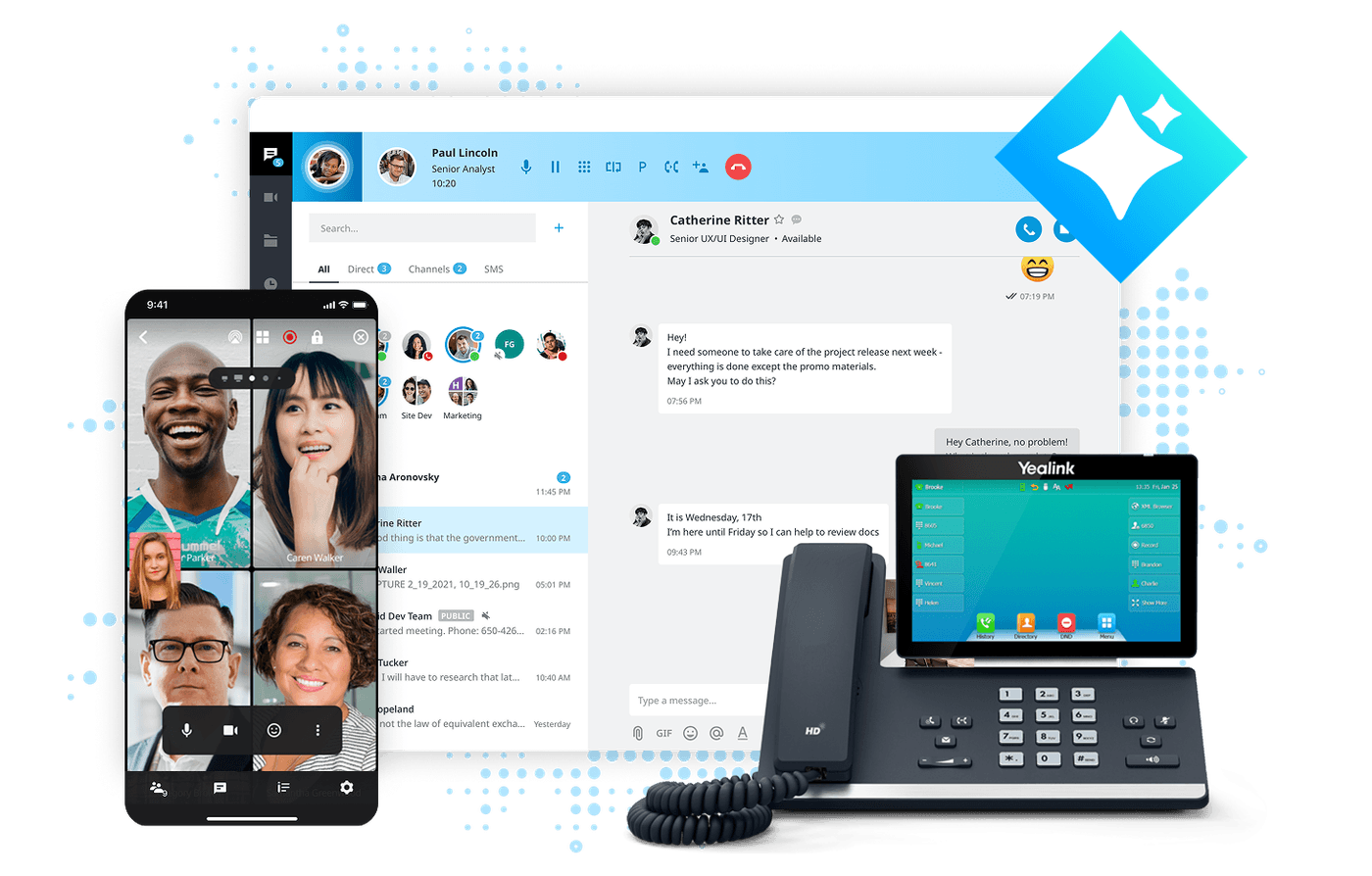
Desk phone plus the app
Click to dial, transfer and park from your screen.
The mobile app
Your business number on your cell phone.
Before you switch
What to check before you buy
Who signs the BAA, and which plan does it cover?
Under HIPAA, a vendor that stores or handles patient information for you is a business associate, and you need a signed business associate agreement with it. For a phone system, that information sits in voicemail, call recordings, transcripts, faxes and texts. Calls on a traditional phone line are treated differently, but once any of those live in the cloud, the BAA matters.
Some providers sign a BAA only on their higher-priced tiers, so check that the agreement names the plan you are buying, not just the company. Then check that it covers every feature you will turn on, including AI call summaries and transcripts. Ask us for the BAA and security documentation before you sign, and read them with whoever handles compliance at your practice.
Configuration decides most of it
HIPAA Journal makes the point plainly: the technology alone doesn’t make a phone service compliant, the way it’s configured does. The usual gaps aren’t in the platform at all. They’re a shared front-desk login, a fax machine in a public hallway, or a recording policy nobody wrote down.
On install day we give each person their own login, decide with you who can play back recordings, and set how long calls, texts and faxes are kept. We route voicemail so it reaches the right person instead of a shared inbox the whole office reads. Each of those is a setting you can see and change later from the admin portal, not a promise on a sales page.
Texting and AI with patient information
Patients expect texts, but a text can sit on a lock screen anyone can see. A safe default is to keep reminders to the date, time and office name, and handle anything clinical by phone or in your patient portal.
AI call recaps and voicemail transcription create transcripts and summaries, and those are patient information too. Before turning them on, confirm the BAA covers them, decide who can read them and set how long they are kept. In a larger practice, the contact center can redact patient, personal and card details automatically.
Side by side
Healthcare setup vs. a typical office
| Compared | Set up for a covered practice | Typical small-office setup |
|---|---|---|
| BAA | Requested and reviewed before you sign, naming the plan you buy | Often never asked for |
| Logins | One per person, on every device | A shared front-desk login |
| Recordings | Access limited by role; kept as long as your policy says, up to 10 years | Anyone with the admin password; default retention |
| Fax | Arrives in the app for the right people, or through an adapter | A paper tray in a shared hallway |
| Patient texts | From the practice number, with no clinical details by default | From staff personal cells |
| After-hours calls | AI receptionist, answering service or on-call routing, on your schedule | Voicemail |
Switching
How a practice switches to Meretech
- First call
15 minutes about your practice
Locations, providers, fax numbers, the practice software you use and who handles compliance. Have a recent phone bill handy.
- Before you sign
Proposal and documents
An itemized proposal with every fee. This is the time to ask for the BAA and security documentation, so your compliance lead can review them.
- While numbers port
We build your call flows
Scheduling and billing queues, after-hours routing, fax delivery, logins and recording rules, all programmed before cutover.
- Go-live day
We switch you over
Your numbers ring on the new system. We walk the front desk through it and stay on call. Billing starts 7 days after activation.
Healthcare pages and next steps
Questions practices ask about HIPAA and phones
Can a practice use a regular phone line without violating HIPAA?
Calls on the traditional phone network are treated differently from cloud services under HIPAA. The question changes once voicemail, recordings, faxes or texts are stored by a vendor, because that vendor is now handling patient information. That’s why a practice moving to a cloud phone system needs a signed business associate agreement (BAA).
What should a HIPAA-covered practice look for in a phone system?
Start with a BAA that covers the plan and the features you will use. Then look for encrypted calls, a unique login for each person, control over who can hear recordings, retention settings, secure fax and texting from the practice number. Larger practices should also ask about automatic redaction of patient details in the contact center.
What should we ask Meretech for before signing?
The BAA and the security documentation, alongside the itemized proposal. Have your compliance lead check that the agreement names the plan you are buying and the features you plan to turn on, including recordings and AI call summaries.
Can the phone system work with our EHR or practice software?
Integrations are available for eClinicalWorks, athenahealth, NextGen and Modernizing Medicine on the medical side, and for Dentrix, Open Dental, Eaglesoft and other dental software. With supported software, the system can show the patient’s record when they call. Tell us what you run and we confirm what connects before you sign.
What happens to our phones if the office loses power in a storm?
The phone system runs in the cloud, so it keeps taking calls when the office goes dark. Calls can ring on staff cell phones through the mobile app, or forward to your answering service or the on-call provider. We set those rules up during installation, before hurricane season makes it urgent.
How much does a healthcare phone system cost?
Meretech Cloud is priced per user, month to month, with no annual contract. A Yealink T73W desk phone is included on our current promotion, paid off over 12 months; cancel early and you pay the remaining hardware share. Fax lines and the contact center are separate lines, and taxes and regulatory fees are listed line by line on your itemized proposal. Build your plan to get your proposal.
Price out your practice’s phones
Tell us how many people answer phones and which practice software you use. You get an itemized plan, and we answer your compliance questions before you decide.
Rather talk to sales?(305) 390-2787Build your plan